How to See How Many Wishlists a Game Has on Steam
Where to find wishlists in Steamworks, why the count is not updating, and how to estimate wishlists for any game with followers, Gamalytic and GameDiscoverCo.
Short answer: for your own game, open Steamworks, go to the Sales & Activation Reports, pick the game and scroll to the Wishlists section. It shows adds, deletes and purchases by day, plus a breakdown by country. For someone else's game, Steam does not show the number anywhere. You can only estimate it: from the game's follower count, or with paid tools like Gamalytic and GameDiscoverCo.
How to see wishlists for your own game
Steamworks keeps the real number. Here is where it lives:
- Log in to Steamworks and open Sales & Activation Reports.
- Open your game's details page. Scroll to the section called Wishlists.
- Click through to the full report for the daily history and a CSV export.
- For countries, open the Regional Sales Report from the links on the right side of the game's reporting page.
The report tracks three actions: players adding your game, deleting it, and buying it from their wishlist. Valve describes each field in the wishlist reporting docs.
The number most studios care about is outstanding wishlists: everyone who added the game and has not deleted or bought it yet. That is the pool Steam emails when you launch or run a discount of 20% or more. The rules for those emails are on the Steamworks wishlist page, and we cover how to time a sale around them in how to combine a Steam discount with a creator campaign.
Platform wishlists will look smaller
The report also splits wishlists by platform. That split is always smaller than your total, because many players never pick a platform in their Steam settings. A low Steam Deck or Mac number does not mean those players are missing.
Why your wishlist count is not updating
Steam updates wishlist data once a day, for the day before. To see how many of those wishlists may turn into sales, read Steam wishlist conversion rate. On March 2nd you see everything up to March 1st, and nothing from today. If you posted a trailer this morning, the result shows up tomorrow.
Two more things make the number look stuck:
- Deletes eat into adds. Across 22 games that connected Steamworks to Trapster, players deleted a median of 7% of what they added. On some games it was 2%, on others 17%. A day with 300 adds can still move your outstanding total by much less.
- Purchases leave the list. After launch, every wishlist that turns into a sale disappears from the outstanding count. A falling number during a sale can be good news.
How to estimate wishlists for another game
Steam does not publish wishlist counts for any game. Every number you see for a game that isn't yours is an estimate. There are two practical ways to get one.
Followers
The follower count is public, and it moves together with wishlists. Followers are people who chose to get news about the game, and they are a small slice of everyone who wishlisted it.
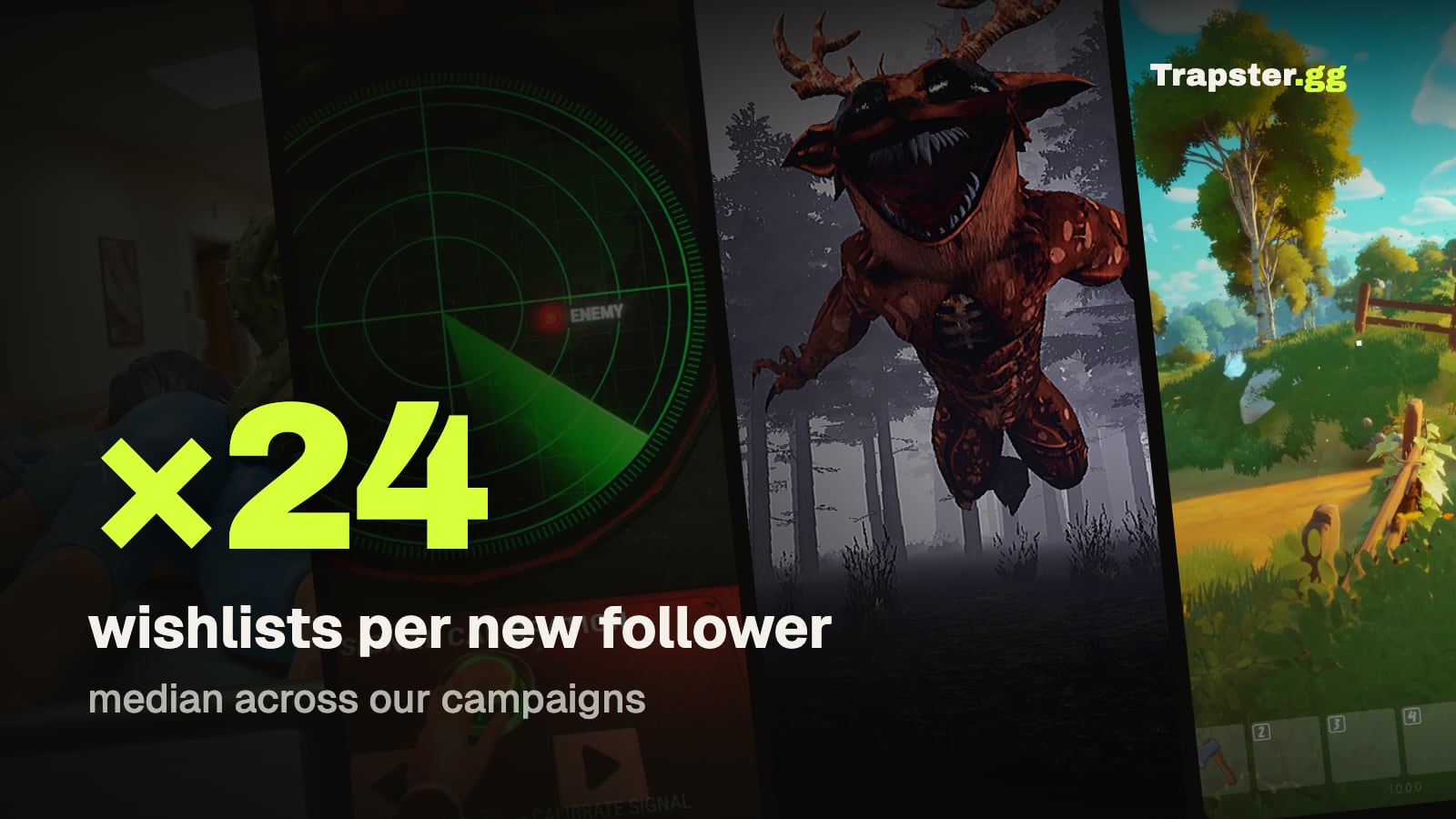
In our own campaign data, each new Steam follower came with about 24 new wishlists at the median, with a range from roughly 8 to 38. On the two games where we checked against the studio's Steamworks numbers, the ratio was 29 and 31. So a game with 2,000 followers likely sits somewhere in the tens of thousands of wishlists. You can run the numbers for any game with our Steam wishlist calculator. The range is wide, and that is the honest answer: the genre and the way a game found its audience both move the ratio.
Gamalytic
Gamalytic is a database of more than 100,000 Steam games with estimated sales, revenue and player data. A free game page shows followers, estimated copies sold and review stats. The estimated outstanding wishlists field is on the paid Starter plan.
Treat it as an estimate, especially for small or brand new games. Gamalytic itself shows copies sold as a range, not one number, and wishlist estimates carry the same uncertainty. Use it to compare games and spot trends, not as the final count.
GameDiscoverCo
GameDiscoverCo is Simon Carless's game discovery research company. The newsletter is free and goes out twice a week, with breakdowns of how specific games found their audience. The paid Pro data product adds Steam sales, revenue and wishlist estimates, pre-release hype charts and follower growth, plus wishlist gains from showcases and events. Pricing is by demo request.
If you research competitors before a launch, the free newsletter alone is worth reading.
Quick comparison
| Method | Whose game | What you get | Cost |
|---|---|---|---|
| Steamworks reports | Your own | Exact adds, deletes, purchases by day and country | Free |
| Follower count | Any | A rough range | Free |
| Gamalytic | Any | Estimated outstanding wishlists and sales | Paid plan for wishlists |
| GameDiscoverCo Pro | Any | Wishlist and sales estimates, hype and follower trends | Paid, by demo |
How to track wishlists from marketing
Daily totals tell you that something happened, not what caused it. To see what a trailer, a festival like Steam Next Fest or a creator campaign did, compare the days after it with your normal daily adds before it. We walk through that method in how to measure wishlists from a creator campaign.
If you run a campaign on Trapster, you can connect your Steamworks Financial API key. Trapster then pulls your real wishlist numbers every day and shows them next to your campaign, so you don't need to estimate anything. For what wishlists usually cost per genre, see our cost per wishlist benchmarks. For ways to grow the number, see how to get more Steam wishlists.
FAQ
Can you see how many wishlists a game has on Steam? Only for your own game, in Steamworks under Sales & Activation Reports. Steam does not show wishlist counts for other games anywhere.
Where are wishlists in Steamworks? Open Sales & Activation Reports, go to your game's details page and scroll to the Wishlists section. The full report has daily history and a CSV export. Countries are in the Regional Sales Report.
Why is my Steam wishlist count not updating? Steam updates wishlist data once a day for the previous day, so today never shows. Deletes and purchases also subtract from the outstanding count.
How do I estimate wishlists for another game? Look at its follower count. In our campaign data, each new follower came with about 24 new wishlists at the median. Tools like Gamalytic and GameDiscoverCo sell estimates for any Steam game.
Is Gamalytic accurate for wishlists? It is an estimate. It works for comparing games and trends, but for small and new games the number can be far off. Only Steamworks has the real count.
Sources: Steamworks documentation on wishlists and wishlist reporting; Gamalytic and GameDiscoverCo product pages. Follower ratios and delete rates come from Trapster campaign data and studios that connected Steamworks to Trapster.
Get a wishlist forecast for your game
Send us your Steam page. We estimate views, creators and cost per wishlist before you spend anything.
Keep reading
Steam Wishlist Conversion Rate: What to Expect in Launch Week
How many Steam wishlists turn into first week sales, why the ratio…
Steam Update Visibility Rounds: How They Work and When to Use Them
How Steam update visibility rounds work: five rounds per game, up to…
Steam Wishlist Calculator: Estimate Wishlists, Sales and Campaign Results
Quick formulas for Steam games: wishlists from followers, first week sales from…