Steam Update Visibility Rounds: How They Work and When to Use Them
How Steam update visibility rounds work: five rounds per game, up to 30 days or 1M impressions, who sees them and how to pair one with creators.
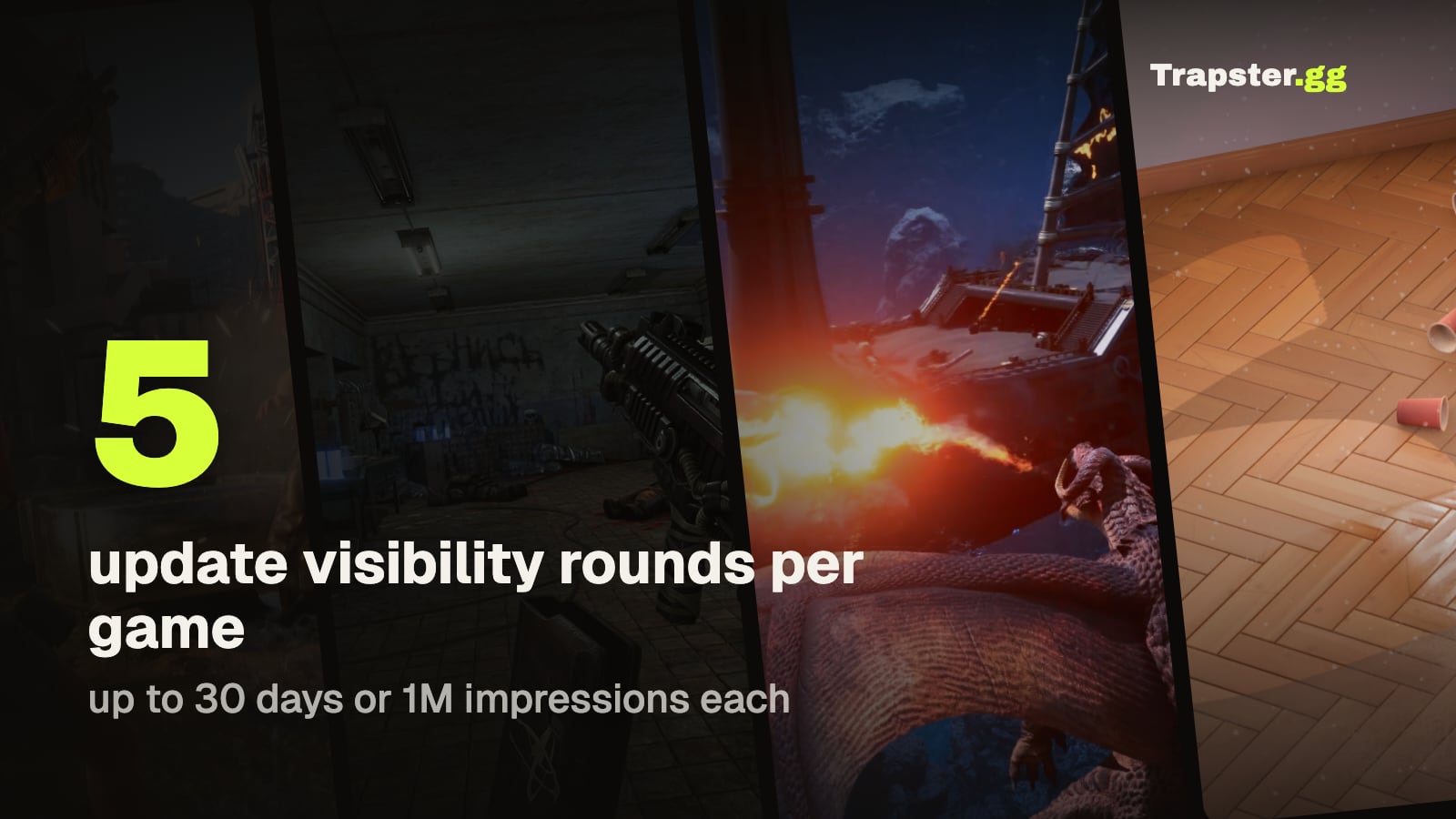
Short answer: an update visibility round puts your game in a dedicated spot on the Steam front page after a major update. Only players who own the game or have it on their wishlist see it. Every game starts with five rounds, and each round runs for up to 30 days or 1 million front page impressions, whichever comes first (Steamworks docs).
What a visibility round is
When a game launches, Steam gives it launch visibility in New Releases and notifies wishlisters (how Steam visibility works). Once that period is over, update visibility rounds are how you get front page space again. Valve made them for updates that add new content, new features or a DLC, and they work the same in Early Access and after full release.
The audience is the detail most studios miss. A round doesn't show your game to new players. It shows it to people who already know it: owners and wishlisters. For a released game, those are the players most likely to come back, and the wishlisters who haven't bought yet.
The rules
| Rule | What Steamworks says |
|---|---|
| Rounds per game | Five to start, shared between Early Access and full release |
| Extra rounds | May be granted to products that are selling well |
| Length | Up to 30 days or 1 million homepage impressions |
| Earliest start | After your launch visibility has ended |
| What you need | A community announcement posted in the last 30 days |
| Seasonal sales | Rounds typically don't show, but those days still count toward the 30 |
How to start a round
- Post the update as a community announcement on your Steam page.
- In Steamworks, open your product, then Marketing & Visibility, then Product Update Visibility Rounds.
- Click Start Update Round, write a short description and pick the announcement.
How many impressions to expect
Valve doesn't promise a number. The impressions and clicks depend on how many customers your game has. A game with a large player base and a long wishlist gets far more out of a round than one with a few hundred owners. That is why it pays to grow your wishlists before you spend a round, not after.
When to use one
Five rounds is not many, so treat each one like a small launch.
Worth a round: a content update players will notice, or a DLC.
Not worth a round: a bug fix patch, or any week inside a major seasonal sale. During those sales the round rarely shows, but the days still run out.
Pair the round with outside traffic
A round reaches people who already know the game. Creator videos reach people who don't. Running both in the same week covers your whole audience: new players find the game through the videos while owners and wishlisters see it on the front page.
Add a discount of 20% or more and Steam emails your wishlisters as well (Steamworks wishlist docs). Regular discounts need 30 days between them (discount rules), so plan the round, the sale and the campaign on one calendar.
We show released games that did this, including SOS OPS! with a DLC and a discount in the same week, in how to boost sales of a game that's already out. The discount side is covered in how to combine a Steam discount with a creator campaign.
How to tell if the round worked
Compare daily wishlist adds and purchases in Steamworks for the round against the weeks before it. Look at purchases as well as adds, because a round only reaches people who already own or wishlisted the game. Here is where to find those numbers, and how to read them in how to measure wishlists from a creator campaign.
FAQ
How many update visibility rounds does a Steam game get? Five to start, shared between Early Access and full release. Valve may grant more to products that are selling well.
How long does a visibility round last? Up to 30 days, or until it reaches 1 million homepage impressions, whichever comes first.
Who sees an update visibility round? Only customers who have the game in their library or on their wishlist.
Can I run a visibility round during a Steam sale? You can, but rounds typically don't show during major seasonal sales, and those days still count toward the 30.
Do I need a new announcement for each round? Yes. The round is tied to a community announcement posted within the last 30 days.
Sources: Steamworks documentation on update visibility rounds, visibility, wishlists and discounts. Campaign examples come from Trapster case studies.
Get a wishlist forecast for your game
Send us your Steam page. We estimate views, creators and cost per wishlist before you spend anything.
Keep reading
Steam Wishlist Conversion Rate: What to Expect in Launch Week
How many Steam wishlists turn into first week sales, why the ratio…
Steam Wishlist Calculator: Estimate Wishlists, Sales and Campaign Results
Quick formulas for Steam games: wishlists from followers, first week sales from…
How to See How Many Wishlists a Game Has on Steam
Where to find wishlists in Steamworks, why the count is not updating…