Steam Capsule Art: Sizes, Rules and What Works
Every Steam capsule size, what Valve allows on capsule art since 2022, how artwork overrides work, and how to make a capsule that converts.
Short answer: Steam needs four store capsules: header 920×430, small 462×174, main 1232×706 and vertical 748×896, plus library art. Base capsules may only show game artwork, the game name and an official subtitle. No review scores, awards, discount text or "wishlist now" calls to action (Steamworks asset rules). Since most players see your capsule at thumbnail size, the logo has to read even when it is tiny.
Steam capsule sizes
| Asset | Size | Where it shows |
|---|---|---|
| Header capsule | 920×430 | Top of the store page, Recommended For You, Daily Deals and many lists |
| Small capsule | 462×174 | Search results, top sellers, new releases and other lists |
| Main capsule | 1232×706 | Front page carousel and wishlist emails |
| Vertical capsule | 748×896 | Front page during seasonal sales and on sale pages |
| Page background | 1438×810 (optional) | Behind your store page |
| Screenshots | 1920×1080 minimum, at least 5 | Store page and other spots on Steam |
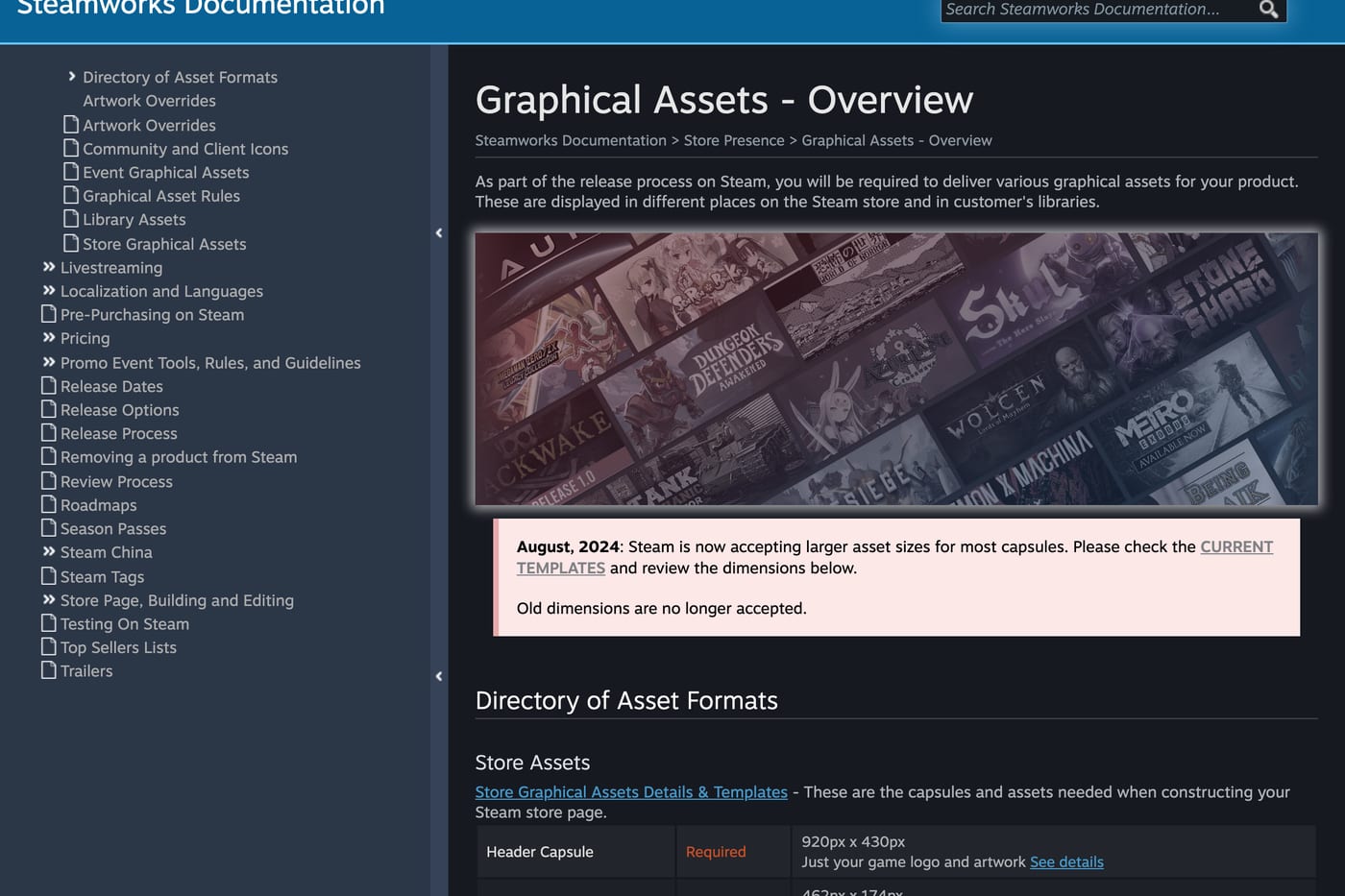
Library assets are separate: library capsule 600×900, library hero 3840×1240, library logo up to 1280 wide or 720 tall, and a library header 920×430. Valve lists them all on the graphical assets overview. Since August 2024 Steam only accepts the larger sizes, so old templates won't upload.
What is allowed on a capsule
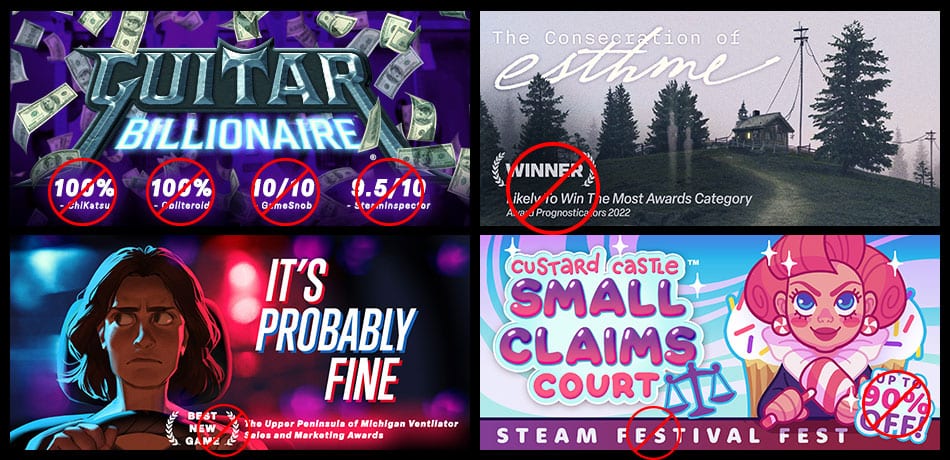
Since September 1, 2022, base capsules are limited to "game artwork, the game name, and any official subtitle" (asset rules). That rules out:
- review scores of any kind, from Steam or from press;
- award names and laurels;
- discount text like "On Sale Now";
- calls to action like "Wishlist now" or "Prepurchase now";
- anything promoting another game, including your own sequel.
Valve enforces it. Games that break the rules "may have limits to visibility" on the store and can't be featured in official sales and events. Press quotes and awards belong in the accolades section of your store page instead.
The one exception: artwork overrides
For time-limited news, Steam has artwork overrides. An override can run for up to 14 days and is the only place where you can mention a major update or a DLC on your capsule. It must still include your logo, it must be localized into the languages your game supports, and it can't carry discount text. If you set one for a sale, schedule it to start a few minutes before the discount so it is picked up by the wishlist emails.

What makes a capsule work
It reads at thumbnail size
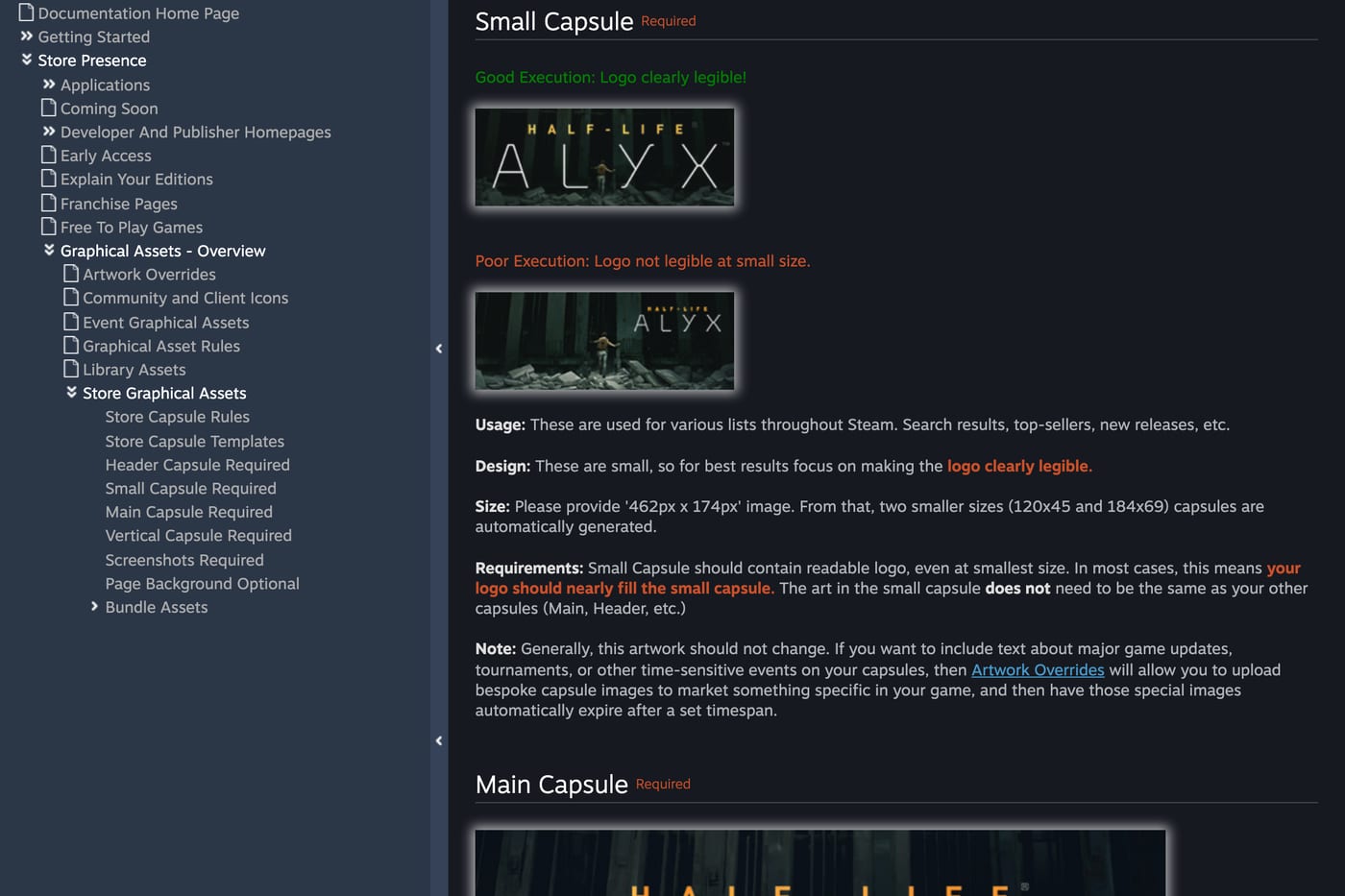
Most players meet your game as a small capsule in search results or a recommendation row. Valve says the small capsule should have a "readable logo, even at smallest size", and that the logo should nearly fill it (asset docs). Shrink your capsule to 184×69 and look at it on a phone. If you can't read the name, nobody else can.
The genre is obvious in one second
A player scrolling a list decides in a moment whether a game is for them. Horror should look like horror, a cozy sim like a cozy sim. Clever art that hides the genre makes the player do work they won't do.
It matches the trailer and the videos
The main capsule appears in wishlist emails. The player who opens that email may have wishlisted the game months ago after a creator video. If the capsule looks like a different game from the one they saw, the email loses them. Keep the characters, colors and logo consistent across the capsule, the trailer and the clips creators post.
It doesn't change for no reason
Valve says that generally this artwork "should not change". Use overrides for updates and sales, and keep the base capsule as the stable face of the game.
A quick capsule checklist
- All four store capsules uploaded at the current sizes.
- Only artwork, the game name and an official subtitle on base capsules.
- Logo readable at 184×69.
- Genre clear without reading the description.
- Same visual identity as the trailer and creator clips.
- Overrides planned for your next update or sale, up to 14 days each.
A capsule that converts makes every other channel cheaper. When creators send people to your page, the capsule and first screenshots decide if they wishlist. See the Steam store page checklist for the rest of the store page, and the full plan in how to market a game.
FAQ
What size is the Steam capsule? Header 920×430, small 462×174, main 1232×706 and vertical 748×896. The library capsule is 600×900.
Can I put review scores or awards on my Steam capsule? No. Since September 2022 base capsules may only show game artwork, the game name and an official subtitle. Awards and quotes go in the accolades section of the store page.
Can I add "on sale" or "update out now" to my capsule? Only through an artwork override, which runs for up to 14 days. Overrides can mention new content like an update or a DLC, but no discount text.
Does the capsule appear in wishlist emails? Yes. Valve uses the main capsule in wishlist emails, so it should look like the game players remember.
Sources: Steamworks documentation on standard store assets, graphical asset rules, artwork overrides and the assets overview.
Get a wishlist forecast for your game
Send us your Steam page. We estimate views, creators and cost per wishlist before you spend anything.
Keep reading
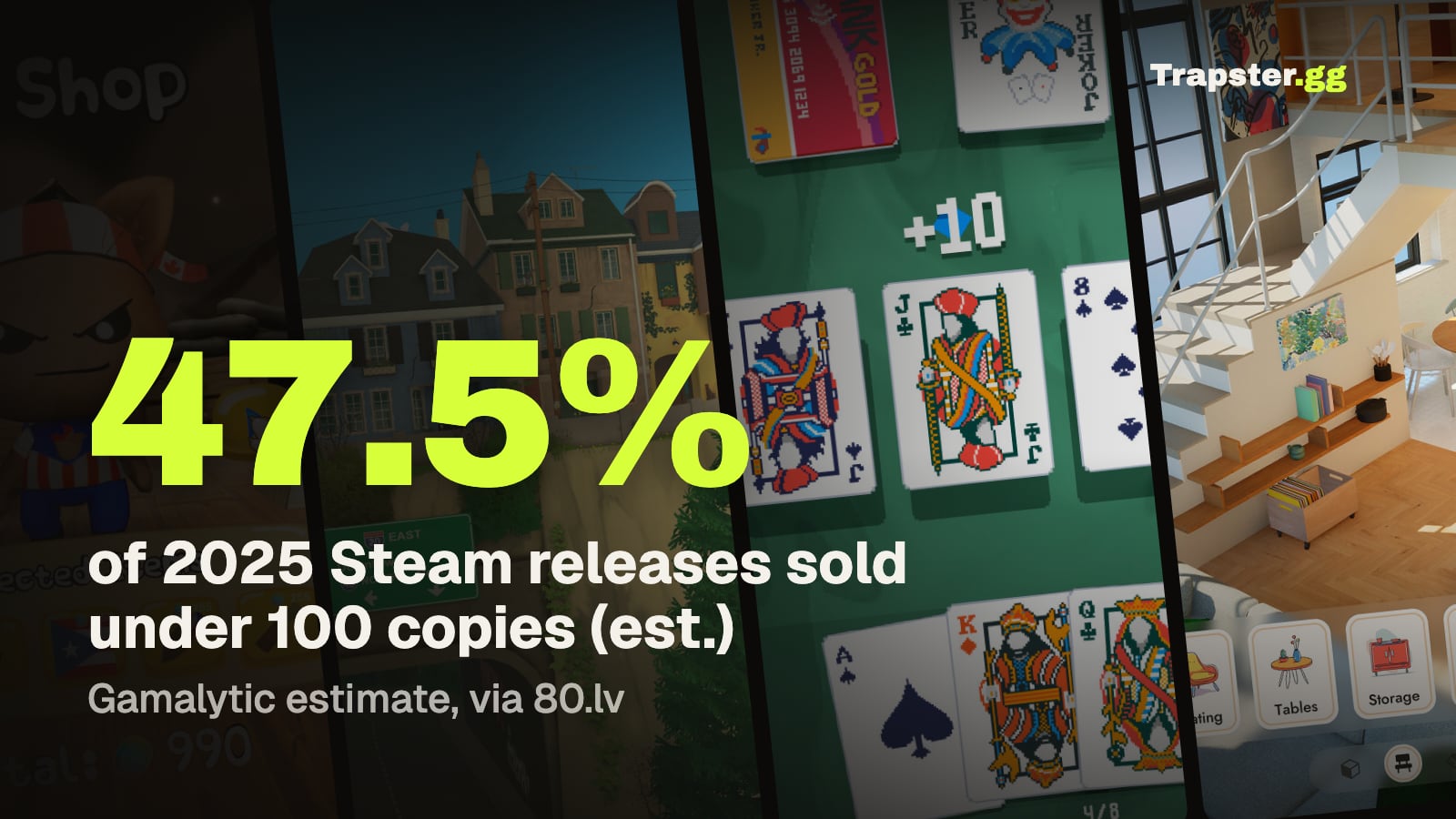
How Many Copies Do Indie Games Sell? Real Steam Numbers by Tier
Most Steam indie games sell under 1,000 copies. Real numbers by tier…
Game Marketing Hook: How to Find, Test and Show Yours
What a game marketing hook is, how to test one cheaply with…
How to Name Your Game: Searchable, Memorable and Legally Safe
How to name your game: pass the Steam, Google and trademark checks…