Steam Regional Pricing: How to Set Prices in Every Currency
How Steam regional pricing works: 37 currencies, four USD regions, Valve's three conversion methods, and where wishlists actually come from.
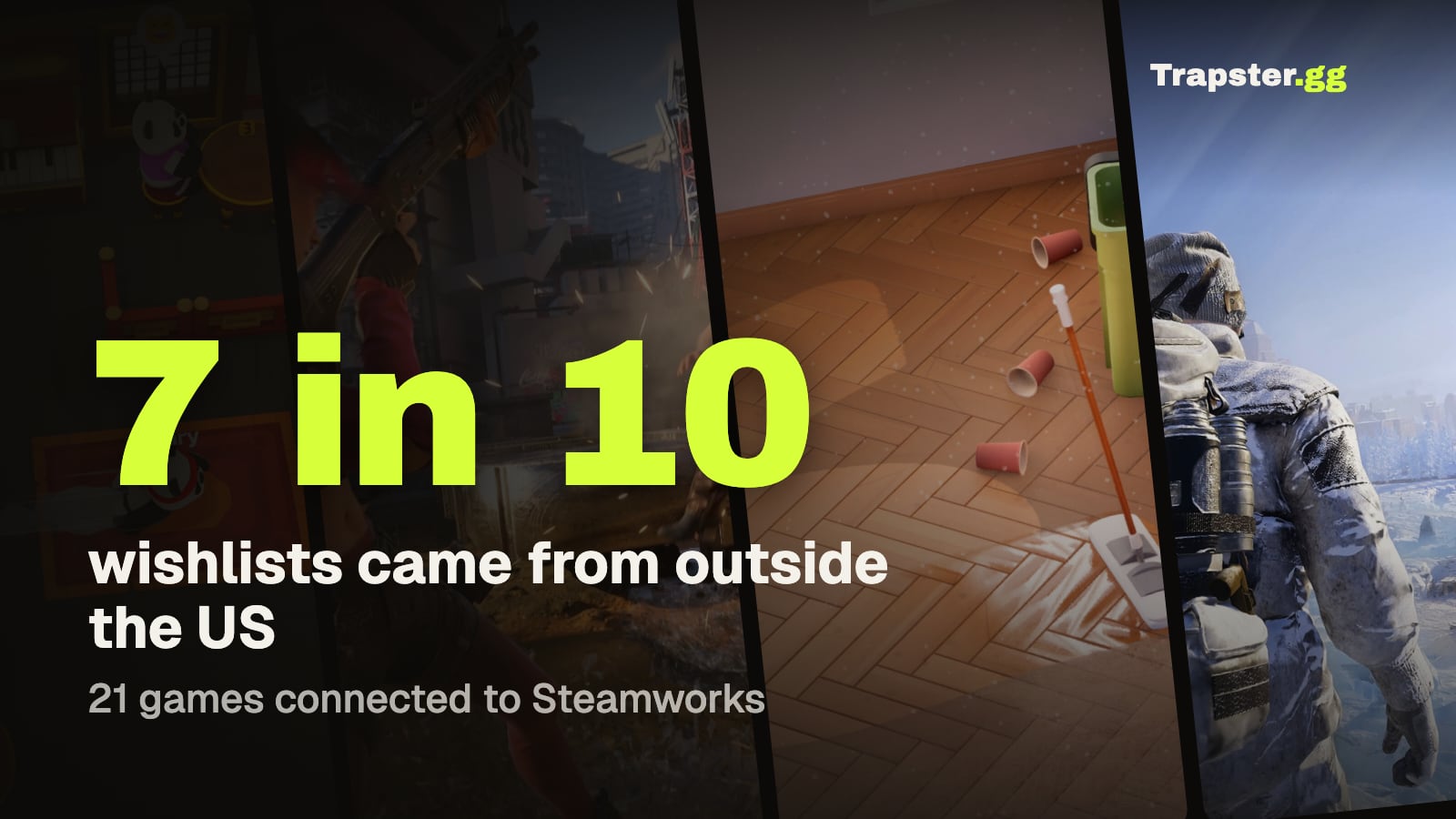
Short answer: Steam lets you set a separate price in each of 37 currencies plus four regional US dollar groups, and a currency without a price makes your game unavailable there. Valve's pricing tool suggests prices three ways, and its default multi-variable method weighs local purchasing power, the cost of comparable entertainment and exchange rates (Steamworks pricing). Following the suggestions doesn't affect your visibility. Start from them, then adjust for the markets where your players actually are: across 21 games that connected Steamworks to Trapster, about 7 in 10 wishlists came from outside the US.
How Steam pricing works
- You price every currency yourself. Valve says how you enter prices "is entirely up to you". Any currency left without a price makes your game unavailable in that market (pricing docs).
- 37 local currencies, from euros and pounds to Brazilian reais, Polish złoty, Indian rupees and Kazakh tenge (currency list).
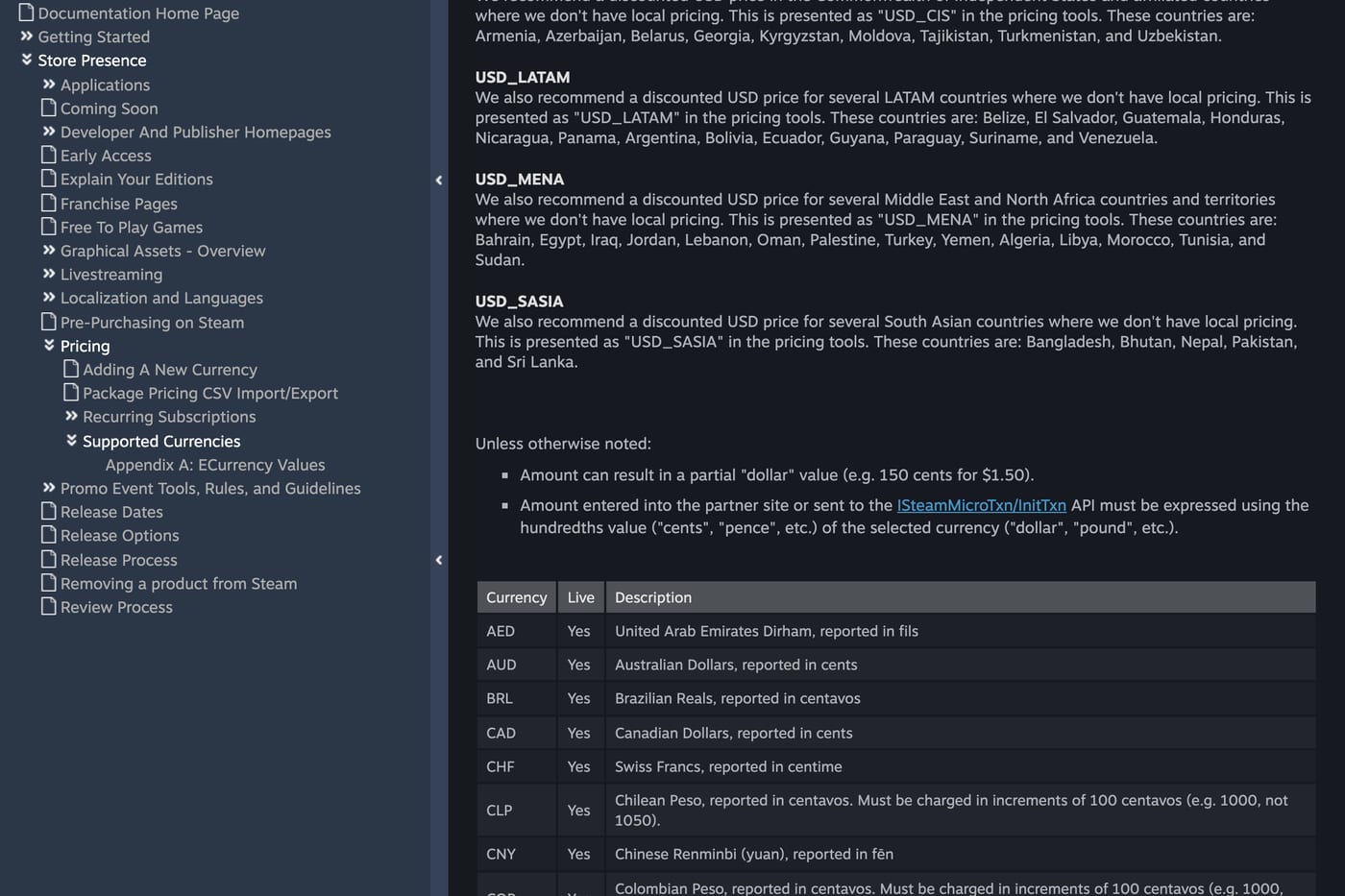
- Four regional US dollar groups for countries without local currency pricing, each with its own USD price:
| Group | Countries |
|---|---|
| LATAM USD | Argentina, Venezuela, Ecuador, Bolivia, Paraguay and 8 more |
| MENA USD | Turkey, Egypt, Morocco, Algeria, Jordan and 9 more |
| CIS USD | Armenia, Azerbaijan, Belarus, Georgia, Uzbekistan and 4 more |
| South Asia USD | Pakistan, Bangladesh, Sri Lanka, Nepal, Bhutan |
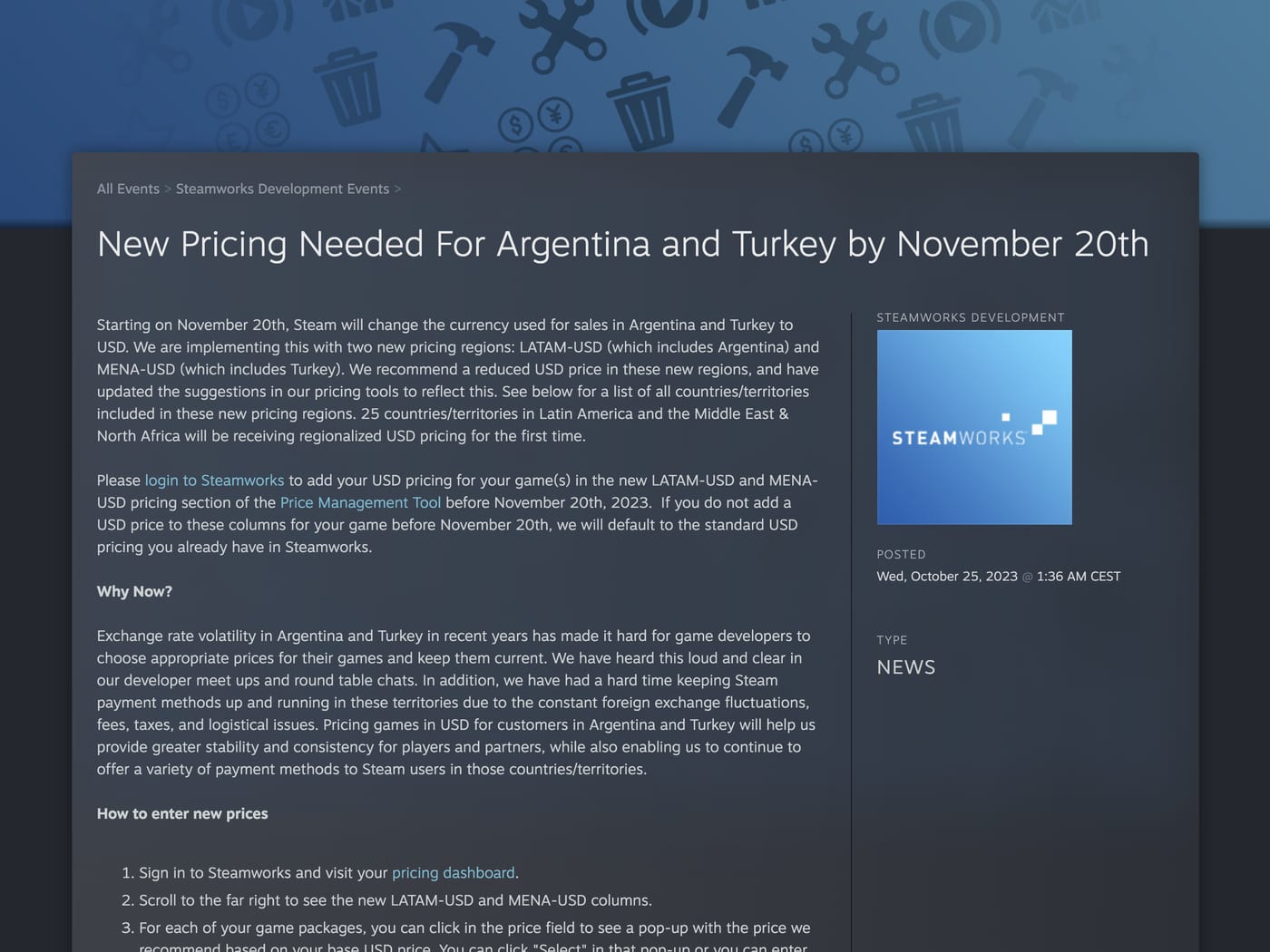
Argentina and Turkey moved to US dollar pricing in November 2023. If you set no regional price for a group, Steam uses your standard USD price there (Valve announcement), which for those countries usually means a price far above what local players pay for comparable games.
Valve's three conversion methods
Valve's price conversion tool offers three methods (2026 update):
- Exchange rate only. A simple currency conversion of your USD price.
- Purchasing power only. Based on public data about average purchasing power in each market.
- Multi-variable. Weighs purchasing power, the cost of comparable entertainment and exchange rates. This is the default and the closest to Valve's older single recommendation.
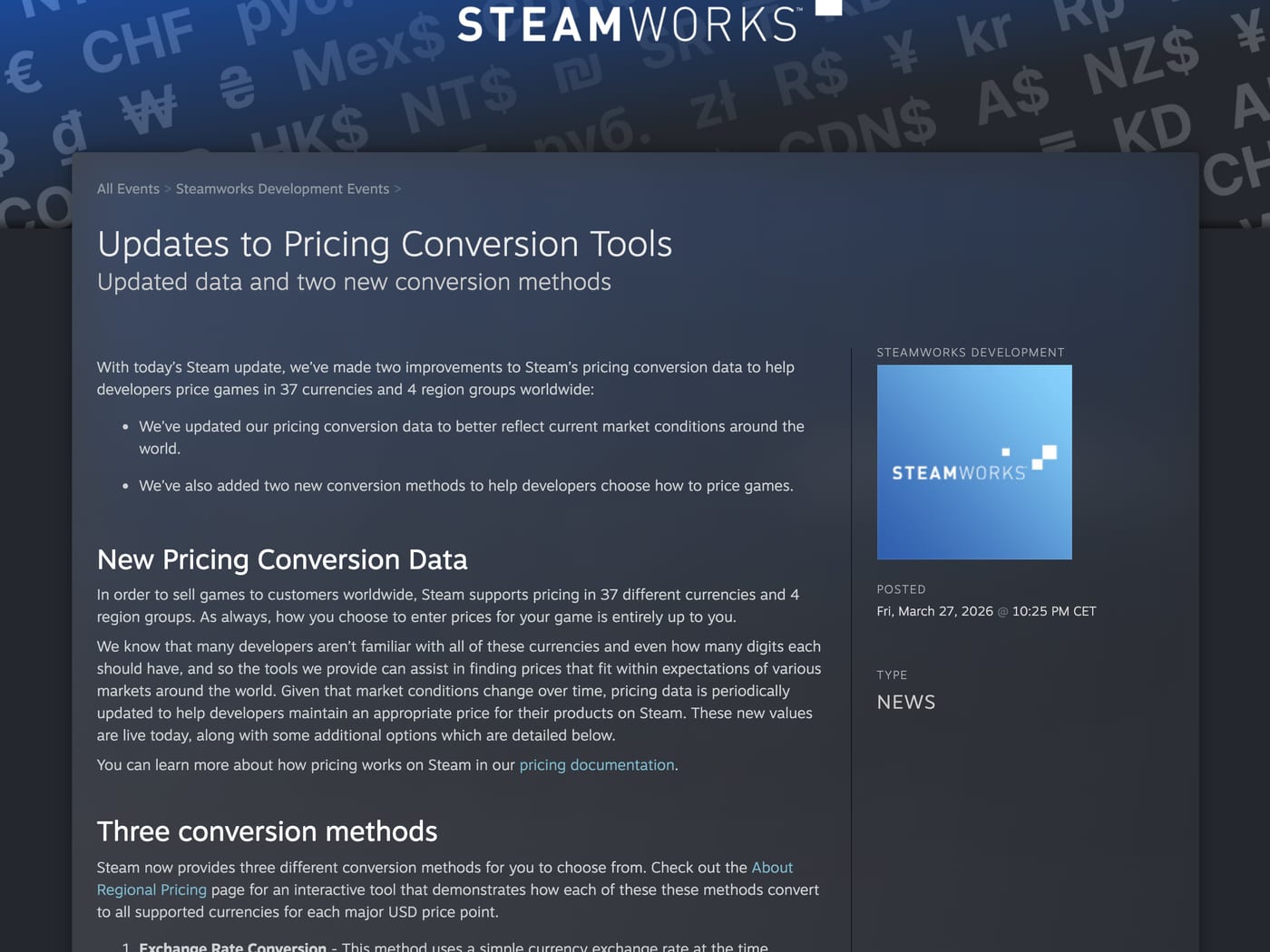
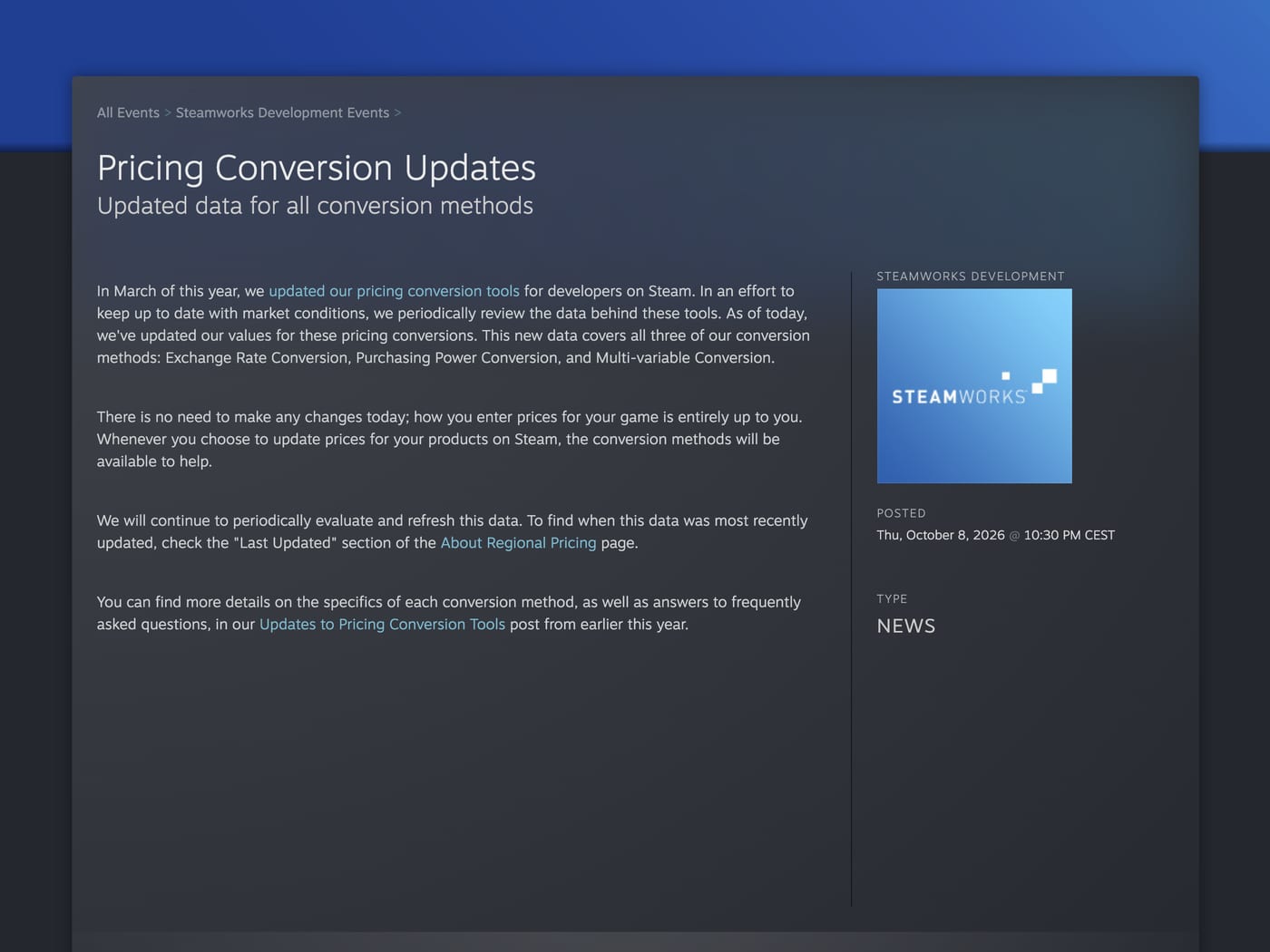
Valve refreshed all three in March 2026 and again in October 2026, and says it reviews the data periodically (October 2026 update). Following or ignoring the recommendations "doesn't impact any of our store visibility systems."
Where your players actually are
Valve's tool tells you what a fair price is in each market. Your own data tells you which markets matter. Across 21 games that connected Steamworks to Trapster, here is where wishlist adds came from:
| Country | Share of wishlist adds | Median share per game |
|---|---|---|
| United States | 28.6% | 23.2% |
| Germany | 8.6% | 5.6% |
| Russia | 7.1% | 5.2% |
| China | 6.5% | 1.4% |
| United Kingdom | 5.7% | 4.4% |
| France | 4.8% | 4.9% |
| Canada | 4.1% | 3.7% |
| Kazakhstan | 3.5% | 2.6% |
| Poland | 2.9% | 1.5% |
| Brazil | 2.9% | 3.6% |
| Ukraine | 2.5% | 1.8% |
| Australia | 2.4% | 2.1% |
| Japan | 2.0% | 0.7% |
Two things stand out. First, the US is under 30% of wishlists, and only about a quarter for the typical game. Second, markets with lower purchasing power, such as Russia, Kazakhstan, Ukraine, Brazil, Poland, Turkey and Argentina, add up to roughly a fifth of all wishlists, and a price that is too high there loses those buyers entirely. These games ran creator campaigns in several countries, so your mix will differ. Check your own by country report in Steamworks, as described in how to see how many wishlists a game has on Steam.
How to set regional prices, step by step
- Pick your USD price first. Base it on comparable games in your genre and length.
- Run Valve's multi-variable conversion in the pricing tool and use it as the starting point for every currency.
- Fill every regional USD group. Leaving one empty charges the full USD price in countries like Argentina and Turkey.
- Look at your by country wishlists. For your top five markets, check that the suggested price sits close to what similar games charge there.
- Round to local price points. Match the endings players see on other games in that currency.
- Submit early. Valve reviews price changes, usually within 1 to 2 business days, and price changes can't be scheduled (pricing docs).
Rules that can cost you a sale
- A price increase in any currency starts a 30 day discount cooldown. Valve applies it to all regions, even if you raise the price in a single currency (March 2026 update), and it also keeps you out of seasonal sales (discount docs). When Valve introduced the LATAM and MENA groups in 2023, it said adding a price for a new regional group doesn't trigger the cooldown.
- Price changes generally wait until 30 days after release. Get launch prices right before you ship.
- There is a minimum price. The base price must be at least the equivalent of Steam's multi-variable conversion of the $0.99 tier.
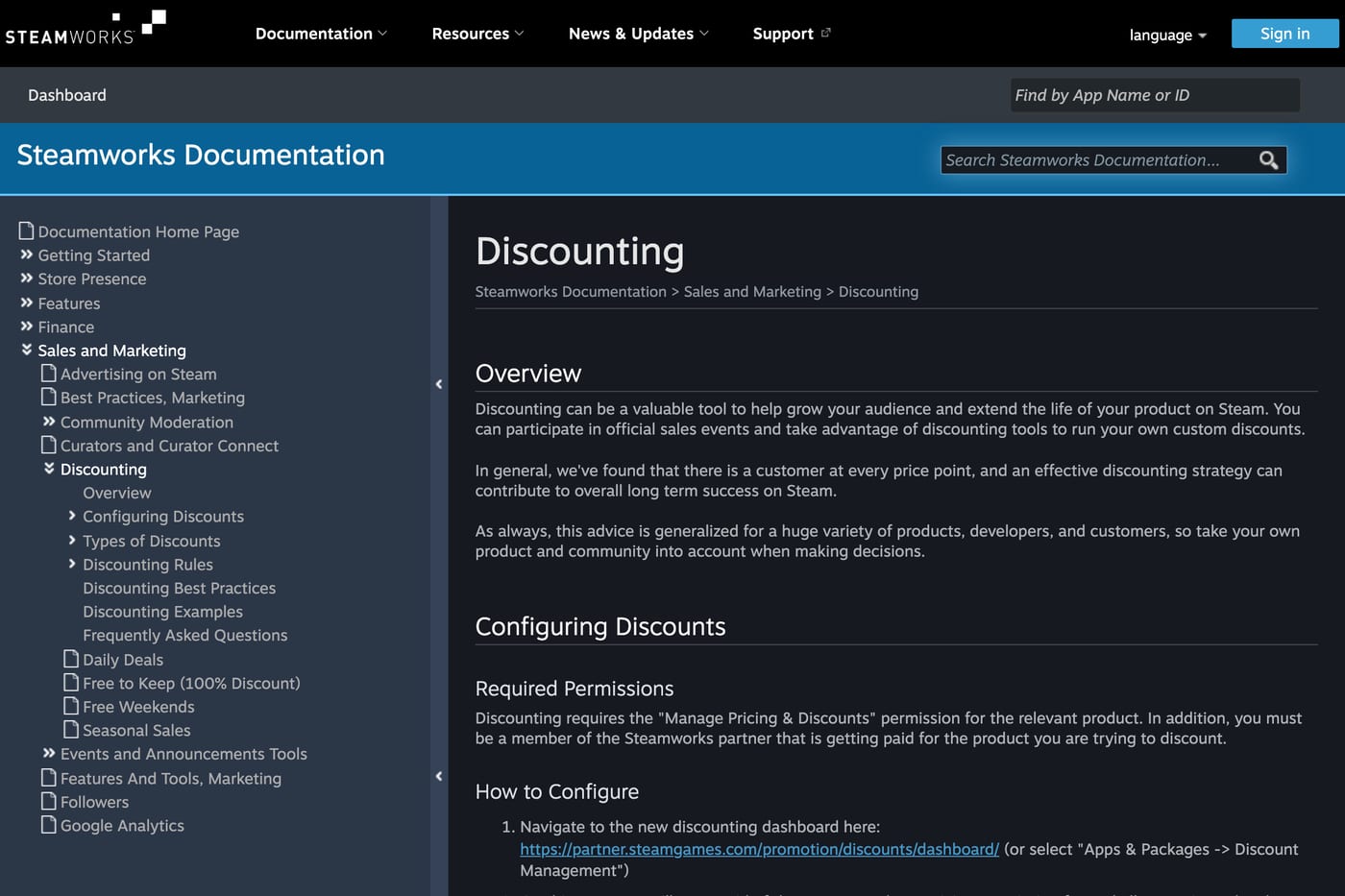
Before a seasonal sale, check your calendar: a price increase in the 30 days before the Summer or Winter Sale keeps you out of it. Dates are in Steam sale dates 2027.
Regional pricing and marketing
Prices and marketing should point at the same markets. If you run creator campaigns with German or Brazilian creators, check that your prices there are in line with local expectations, or the viewers you paid to reach bounce at the price. How non-English creators work for indie games is in should your indie game work with non-English creators, and which languages to translate into is in game localization: which languages pay off on Steam.
FAQ
Does Steam have regional pricing? Yes. You set a price in each of 37 currencies and four regional US dollar groups. Valve's tool suggests prices, but the final choice is yours.
What happens if I don't set a regional price? In a currency with no price your game can't be bought. In a regional USD group with no price, Steam charges your standard USD price.
How does Valve's recommended pricing work? Its default multi-variable method weighs local purchasing power, the cost of comparable entertainment and exchange rates. You can also choose exchange rate only or purchasing power only.
Does changing regional prices affect discounts? Yes. Raising the price in any currency starts a 30 day cooldown on discounts, including seasonal sales.
Does following Valve's price recommendations improve visibility? No. Valve says following or ignoring them doesn't affect store visibility.
Sources: Steamworks documentation on pricing and currencies; Valve announcements from October 2023, March 2026 and October 2026. Country shares come from wishlist adds in 21 games that connected Steamworks to Trapster.
Get a wishlist forecast for your game
Send us your Steam page. We estimate views, creators and cost per wishlist before you spend anything.
Keep reading
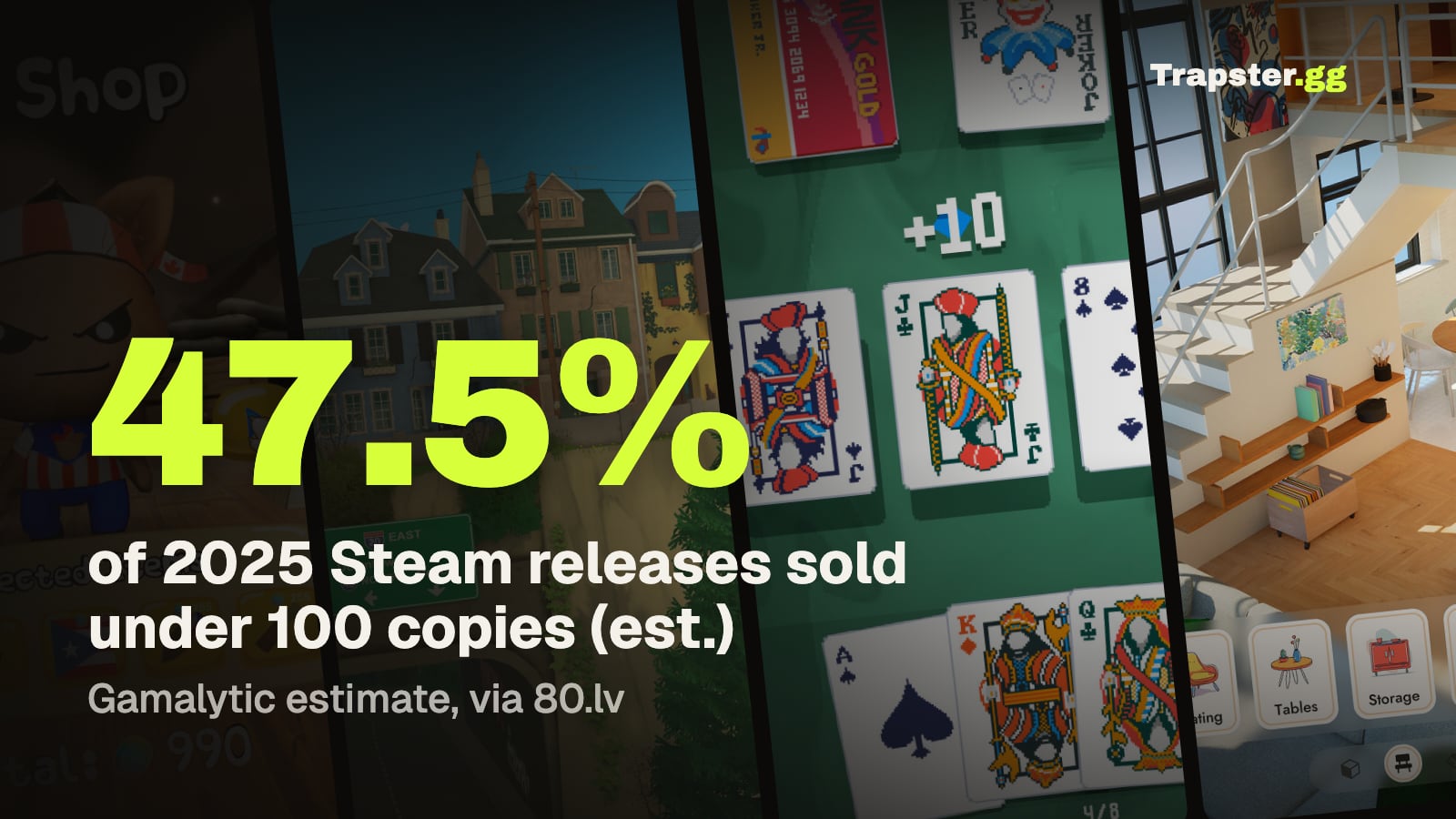
How Many Copies Do Indie Games Sell? Real Steam Numbers by Tier
Most Steam indie games sell under 1,000 copies. Real numbers by tier…
Game Marketing Hook: How to Find, Test and Show Yours
What a game marketing hook is, how to test one cheaply with…
How to Name Your Game: Searchable, Memorable and Legally Safe
How to name your game: pass the Steam, Google and trademark checks…