Indie Game Website: What to Put on It
What an indie game website is for, what to put on it in order, how to add a Steam wishlist widget and track what the site sends to Steam.
Short answer: an indie game website has one job: send people to your Steam page. Put the trailer and a Steam widget with the "Add to Wishlist" button at the top, then a short pitch, screenshots, a press kit link, socials and a contact. Steam's official widget updates itself with your price and discounts, and its clicks show up in Steam's UTM Analytics (Steamworks widget docs). Keep it to one page until you have a reason for more.
What the site is for
Your Steam page is where people wishlist and buy. The website exists for everything Steam doesn't do well:
- A link you control. For bios, press emails, festival listings and QR codes on booth banners.
- A home for the press kit, so journalists and creators find assets without emailing you.
- Your own tracking. Unlike Steam, your site can carry ad platform tags, which matters if you run ads (see paid ads for indie games).
- A newsletter signup, if you run one. How to build and use the list is in email marketing for indie games.
It doesn't need to be big. A single page that loads fast on a phone beats a site with ten sections nobody opens.
What to put on it, in order
1. Trailer and wishlist button above the fold
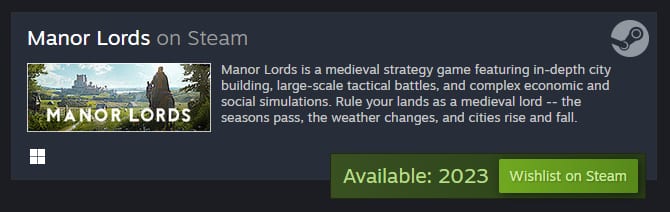
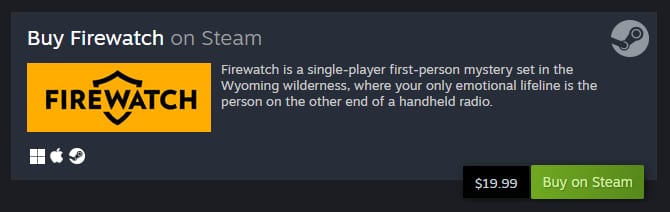
The first screen should show the game moving and a way to wishlist. Steam's store widget does the second part:
- For an unreleased game it shows an "Add to Wishlist" button. For a released game it shows the price and a buy button.
- It updates automatically when your price, discount or branding changes.
- You get the code from the Embed link on your public store page. It's an iframe, and you can add UTM parameters to it. By default Steam tags its traffic as
utm_source=steamwidget, and visits and conversions appear in Steam UTM Analytics.
Source: Steam store widget.
2. A one paragraph pitch
Genre, what the player does, what's different. The same text you use as your Steam short description works here. The Steam store page checklist shows how to write it.
3. Screenshots or short clips
Four to six, gameplay first. Reuse the ones from your store page.
4. Release info and platforms
A date or window, and the platforms, with a link to each store.
5. Press kit link
Either on the same site at /press or a hosted kit. What goes in it is in game press kit.
6. Socials, community and contact
Discord, TikTok, YouTube and X, plus one email for press and business.
7. Newsletter signup, if you'll actually send it
A list is only worth collecting if you write to it at launch and on big updates. If you won't, skip the form.
Technical basics
- Fast on mobile. Most visitors arrive from a phone. Compress images and don't autoplay a heavy video above the widget.
- Your own domain. Even a cheap one looks more serious than a free subdomain in a press email.
- Clear page title and description. The game name plus genre, so the site ranks for searches of your game's name.
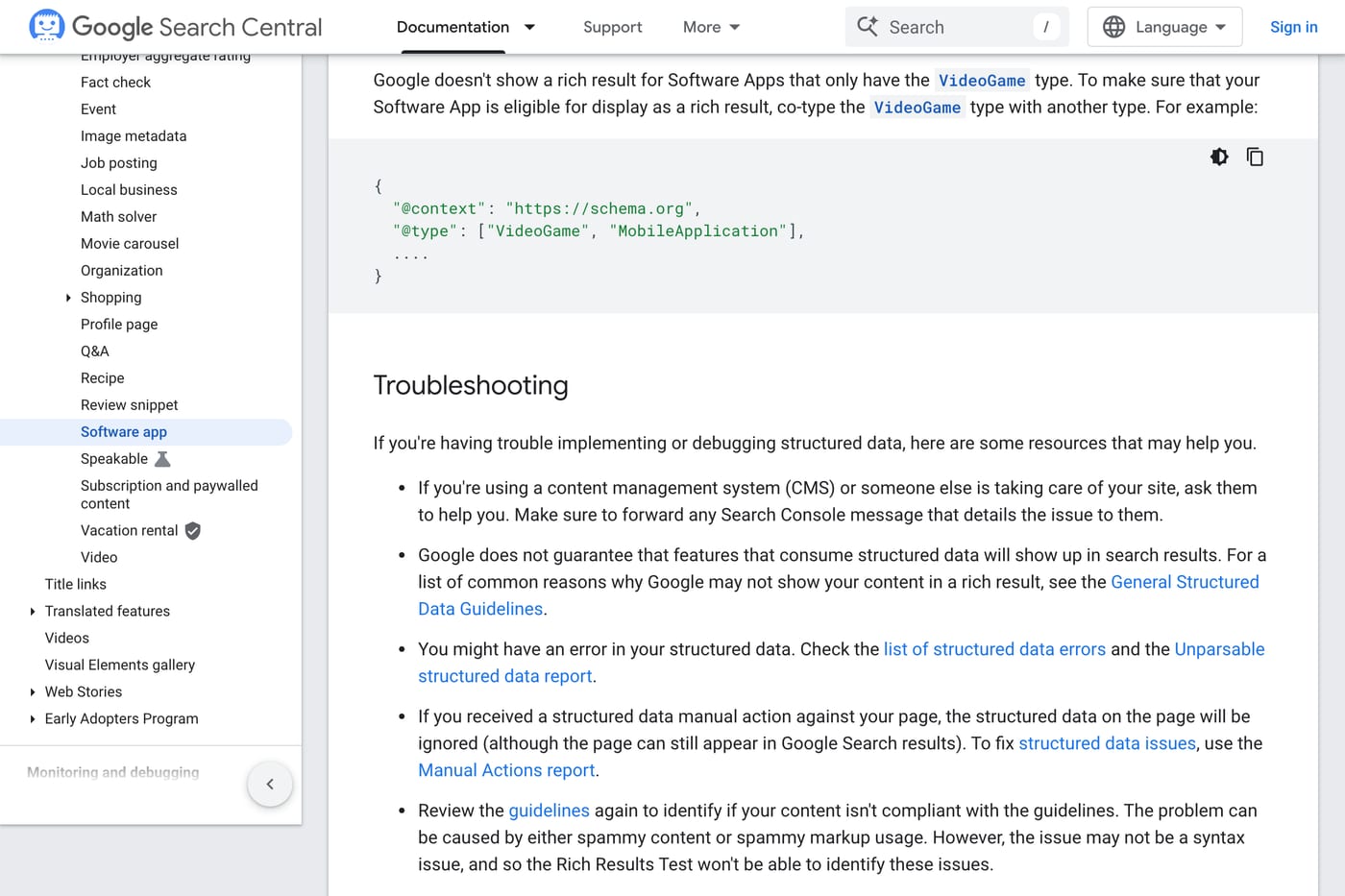
- Structured data is optional. Google says it doesn't show a rich result for software apps marked only as
VideoGame, so schema markup on a PC game site brings little (Google Search Central). - UTM tags on every Steam link, so you can see in Steam how many visits and wishlists the site sends.
Templates and tools
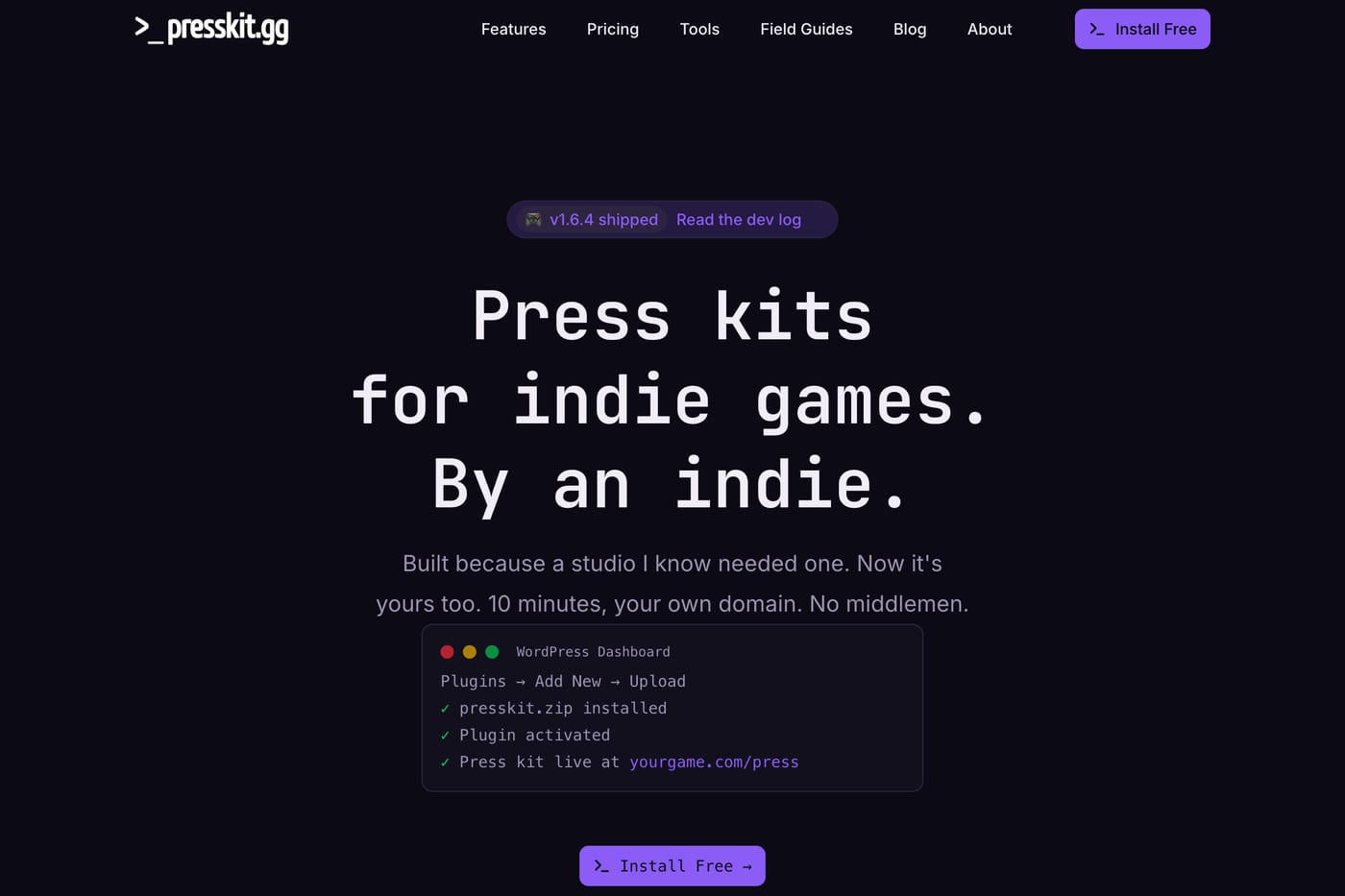
You don't need a developer. Any website builder or a static page works. Press kit tools like presskit() or presskit.gg can double as a simple site. What matters is the order of the content, not the tool.
Common mistakes
- No Steam link above the fold. Visitors who have to scroll to find the wishlist button often don't.
- A lore page first. Players want to see the game before they read about the world.
- Outdated info. An old release date on the website next to a new one on Steam confuses press and players. Update both the same day.
- A site instead of a Steam page. The website supports the Steam page. It doesn't replace it. When to put up the Steam page is in when to make a Steam page.
For where the website fits in the bigger plan, see how to market a game.
FAQ
Does an indie game need a website? Not on day one, but a simple one page site helps: a link you control, a home for the press kit and a place for ad tracking. The Steam page matters more.
What should an indie game website include? A trailer, a Steam wishlist widget, a short pitch, screenshots, release info, a press kit link, socials and a contact email.
How do I add a Steam wishlist button to my website? Use Steam's official store widget: click Embed on your public Steam page and paste the iframe. It shows "Add to Wishlist" for unreleased games and updates itself.
Can I track how many wishlists my website brings? Yes, through Steam UTM Analytics. The widget tags its traffic by default, and you can add your own UTM parameters to it and to every Steam link.
Does schema markup help a game website? Little. Google says it doesn't show rich results for apps marked only as VideoGame.
Sources: Steamworks documentation on the store widget and UTM analytics; Google Search Central on software app structured data. Checked November 2026.
Get a wishlist forecast for your game
Send us your Steam page. We estimate views, creators and cost per wishlist before you spend anything.
Keep reading
How Many Copies Do Indie Games Sell? Real Steam Numbers by Tier
Most Steam indie games sell under 1,000 copies. Real numbers by tier…

Game Marketing Hook: How to Find, Test and Show Yours
What a game marketing hook is, how to test one cheaply with…
How to Name Your Game: Searchable, Memorable and Legally Safe
How to name your game: pass the Steam, Google and trademark checks…